

Which Type of Website Is Right for You?
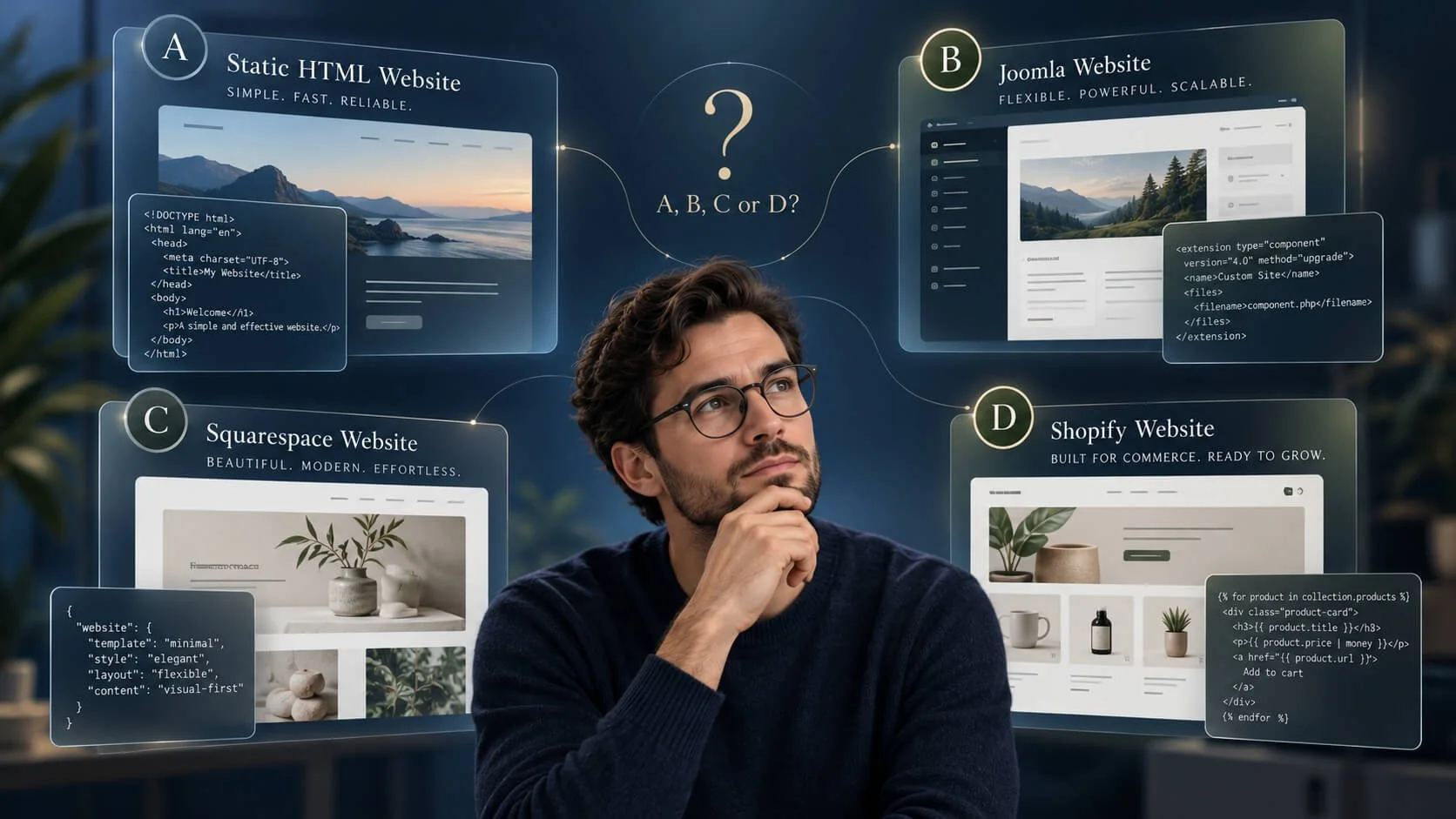
Static HTML, Joomla, Squarespace or Shopify? A practical guide to choosing the right website for your personal or business needs.
Why these four? Because they're the website options I work with! I will explain the other options so do read on!
1. What Do You Need a Website For?
Before choosing a website platform, it's worth asking a much simpler question: what do you actually want your website to do?
Not every website needs an online shop, a booking system or dozens of pages. Sometimes a professional online presence is all that's required. Other businesses need something that can grow, change and become an important part of their everyday operations.
Here are four common examples.
Artists, creatives and hobbyists
A website might be somewhere to display artwork, photography, collections or personal projects. Image galleries, portfolios, articles and blogs can all help showcase your work and reach an interested audience.
Professionals and independent specialists
A professional website can act as an online business card. It introduces who you are, explains what you do, demonstrates previous work and gives potential clients a straightforward way to contact you.
Service providers
Businesses offering services may need detailed descriptions, pricing or service packages, examples of completed work, enquiry forms and appointment booking facilities. As the business develops, more advanced customer-management features may become useful.
Product providers and retailers
A website might simply showcase products and encourage customers to get in touch. Alternatively, it could be a complete online shop handling payments, stock availability, shipping, customer accounts and orders.
These categories naturally overlap. An artist might sell products, while a professional adviser may publish articles and offer appointment bookings.
The important thing is understanding which activities your website needs to support.
2. Three Main Approaches to Building a Website
Although there are hundreds of website-building tools available, most small businesses and individuals will encounter three broad approaches.
Content Management Systems (CMS)
A Content Management System provides the underlying software for creating, organising and managing a website.
Examples include Joomla, WordPress, Drupal and Concrete CMS.
These platforms typically use a database and an administration interface, allowing website owners to manage pages, articles, images and other content without editing the underlying source code.
They can also be extended with additional functionality.
A CMS is commonly installed on separately arranged hosting, which might be managed by the website owner or provided and maintained by a developer.
This flexibility is valuable, but the software, hosting, security and extensions also need ongoing attention. The CMS itself needs customisation and setup, including configuring the website's template and overall appearance.
Software as a Service (SaaS)
SaaS platforms combine website-building tools with hosting and much of the underlying technical maintenance.
Examples include Squarespace, Shopify and BigCommerce.
Rather than installing and maintaining the website software yourself, you generally pay a subscription to access the platform.
These services provide administrative interfaces for managing content, design and business operations. The platform provider handles much of the hosting infrastructure and software maintenance.
Different SaaS platforms specialise in different things. Squarespace is a broad website builder, while Shopify and BigCommerce concentrate more heavily on e-commerce.
Each SaaS system has extensive settings. Many of these can be learnt and managed in your own time, but a developer can help with customisation, specialist work or getting everything properly configured from the outset. Professional assistance can also provide a faster route to launching your website.
Static HTML Websites
A static website takes a more direct approach.
Pages are built using HTML and CSS, with JavaScript added where useful. There's no built-in content management system or database required to display the website.
This doesn't mean the website must look basic. Static websites can have attractive responsive layouts, image galleries, navigation, product or service listings, location maps and carefully optimised content. They can, in fact, be extremely fast and captivating — no less attractive than a CMS or SaaS website!
They are particularly suitable when the information rarely changes.
Hosting is still required, and occasional maintenance remains sensible. Content changes are generally made through the website files rather than an ordinary visual administration interface. Without knowledge of editing that code, it's often best to use a developer for updates.
3. What Does Your Website Actually Need to Do?
This is where choosing the appropriate technology becomes more interesting.
When a Static Website Makes Sense
If your main objective is to introduce yourself or your business, explain your services, display photographs and provide contact information, a static HTML website may be all you need.
It's particularly attractive if your information changes infrequently and you don't need to manage articles, customer accounts or online transactions.
A static website can be fast, economical to host and relatively straightforward to maintain.
More advanced features can be added, sometimes through third-party services. However, if your requirements expand substantially, moving to a dedicated website platform such as a CMS or SaaS may offer better value than developing numerous custom integrations.
When a CMS Makes Sense
A Content Management System becomes particularly useful when you want to manage content regularly or anticipate more complex requirements.
With Joomla, for example, you can begin with a straightforward business website and later add structured articles, extensive image galleries, booking systems, e-commerce functionality or specialist business features.
Additional functionality is commonly provided through extensions or custom development.
The advantage is that the website has an established framework for managing and expanding its capabilities.
The trade-off is that someone needs to look after the software, extensions, compatibility, hosting and security.
When Squarespace Makes Sense
Squarespace is well suited to people who want a professionally presented website with the convenience of an all-in-one service.
It's a practical choice for business websites, portfolios, blogs, service providers and smaller online shops.
Many day-to-day changes can be made through its visual editor, while the platform handles hosting and underlying software maintenance.
Squarespace can also support online sales, appointment scheduling and third-party integrations.
The principal consideration is whether its available tools, subscription plans and customisation options suit your present and future requirements.
When Shopify Makes Sense
If selling products online is the main purpose of your website, Shopify deserves serious consideration.
Rather than simply displaying products, Shopify is designed around managing an online retail or B2B operation.
Products, collections, inventory, payments, orders, shipping, promotions and sales channels are all central to the platform.
For businesses with frequently changing stock, multiple product variations, regular orders or ambitions to expand online sales, these capabilities can be particularly valuable.
Product numbers alone shouldn't determine the decision. A smaller but operationally busy shop may benefit from Shopify more than a larger catalogue with relatively few transactions.
4. Comparing the Four Website Options
A note about this comparison
This article focuses on four website approaches I work with at Dijstra Ltd: static HTML, Joomla, Squarespace and Shopify.
There are many other excellent options available, including WordPress, Drupal, BigCommerce and specialist website-building systems.
Rather than attempting to compare every platform on the market, I'm concentrating on these four approaches, their practical strengths and the considerations involved in choosing between them.
Static HTML — Simple and Focused
The positives
Static websites can be lightweight, fast, inexpensive to host and straightforward to deploy. They offer excellent control over page structure, design and search optimisation without requiring a database or content management system.
There are fewer moving parts, and they can be ideal for presenting information that doesn't change frequently.
The considerations
Routine content updates generally require editing the website files or assistance from someone who can.
More advanced features, such as processed enquiry forms, bookings, customer accounts or online transactions, may require external services or additional development.
If the website is expected to evolve substantially, starting with a CMS or hosted platform may be more economical over time.
Joomla — Flexible and Expandable
The positives
Joomla is an established open-source CMS offering substantial flexibility and control.
It supports structured content, articles, categories, access permissions and extensive customisation. Additional functionality can be introduced through extensions, and the website can be hosted with a provider of your choice.
It's particularly appealing when a website may need to develop beyond its original purpose.
The considerations
Joomla requires suitable hosting and ongoing technical maintenance.
Core software, extensions, security and compatibility need attention. More advanced layouts and functionality may require specialist development, and commercial extensions can introduce additional costs.
Website owners must either be comfortable managing these responsibilities or arrange professional support.
Squarespace — Convenient and All-in-One
The positives
Squarespace combines website creation, hosting and much of the technical maintenance in one platform.
Its visual editing tools make many content changes accessible to non-technical users. It offers professional design capabilities, blogging, commerce tools, forms and integrations.
It can be an excellent fit for businesses wanting to concentrate on their content rather than managing website infrastructure.
The considerations
Ongoing subscription fees apply, and the available features depend partly on the selected plan.
Although custom code and integrations can extend its capabilities, development must work within Squarespace's platform architecture.
Unusual layouts or specialist functionality may require workarounds, additional services or a different platform.
Shopify — Built Around E-commerce
The positives
Shopify provides an extensive set of tools specifically designed for online selling.
Product management, inventory, checkout, order processing, shipping and multichannel selling are central features rather than optional additions.
It can support businesses as their online retail operations become more sophisticated, and its app ecosystem provides further functionality.
The considerations
Shopify involves ongoing subscription fees, with potential additional costs for apps, themes and payment-related services.
Setting up an effective store can involve substantial work beyond the website's appearance, including product data, shipping arrangements, tax configuration and operational processes.
For a business that only needs to showcase products rather than sell them directly, a dedicated e-commerce platform may introduce unnecessary cost and complexity.
5. Choosing What Works for You
There's no single website platform that's best for everyone.
A simple static HTML website may serve a small professional business perfectly well for years. A growing organisation might benefit from Joomla's flexibility, while someone wanting a convenient, self-managed website may prefer Squarespace.
For businesses where online retail is central, a dedicated platform such as Shopify may make more sense.
It's also worth looking beyond the initial development price. Hosting, subscriptions, maintenance, content updates, third-party tools and future changes all contribute to the long-term cost.
Consider the workload, not just the features.
Choosing a platform that's more complicated than you need can create unnecessary work and expense. Take product sales, for example. If you sell personally by telephone or email, with products that rarely change, a static HTML website displaying your range may be perfectly adequate.
You could avoid the additional responsibilities of managing online stock levels, customer accounts, checkout systems and other e-commerce operations.
Don't overlook privacy, security and data protection.
Modern websites also come with responsibilities that shouldn't be taken lightly. If your website collects or processes personal information, you need to understand how that information is obtained, used, protected and retained.
Depending on the nature of your website and the laws that apply, this may involve clear privacy information, appropriate security measures, secure handling of customer data and sensible retention and deletion arrangements.
A privacy policy alone isn't enough. The way the website actually handles personal information matters just as much.
Even when using a hosted platform such as Squarespace or Shopify, the website owner still has responsibilities for the information they collect and how they use it. Choosing a well-maintained platform or secure hosting is an important part of the picture, but it doesn't automatically take care of every data protection obligation.
There are plenty of capable website developers offering excellent, competitively priced work across all these platforms and many others. Whether you build a website yourself or use a professional, make sure you understand what you're taking on and that the necessary technical and data protection arrangements are properly considered.
With great websites comes great responsibility!
The best starting point is to understand what your website needs to achieve today, consider what might reasonably change tomorrow, and choose the approach that provides the right balance of functionality, flexibility, cost and responsibility.
A good website doesn't need to be complicated. It needs to do its job well.
